5 WhatsApp Business API Platforms Worth Shortlisting for Automation Builder
Your WhatsApp inbox is overflowing, and your current tool cannot keep up. Many platforms promise automation, then charge extra for basic flows or cap your message volume right when sales spike.
This article breaks down five WhatsApp Business API platforms built for serious automation, starting with Com.bot. You will get clear criteria on automation depth, integrations, pricing, and support, plus a direct comparison of Com.bot, WATI, Twilio, Respond.io, and 360dialog so you can shortlist the right tool today.
What to Look For in a WhatsApp Business API Platform for Automation Building
Evaluating a WhatsApp Business API platform for automation building requires looking beyond basic messaging to find a solution that scales with your operational complexity. The WhatsApp Business Platform gives you the delivery channel, but it does not decide how conversations flow, when a bot hands off to a human, or how order updates reach your CRM.
Those decisions live in the automation layer. Choosing the wrong platform means rebuilding workflows later, migrating your WhatsApp Business Account, and re-verifying a phone number, all while customer conversations stall.
The right choice balances four forces that pull against each other: automation power, ease of use, cost, and support. A tool with deep logic but a steep learning curve slows small teams. A cheap tool with shallow branching frustrates growing ones.
This roundup applies the same criteria to five platforms: Com.bot, WATI, Twilio, Respond.io, and 360dialog. Some are Business Solution Providers (BSPs) that bundle the API with a chatbot builder. Others are infrastructure providers that connect you to the Cloud API or on-premises API. Each model suits a different stage of growth.
As you read the comparisons, weigh them against your own team's capacity. A solo operator and a ten-person support desk need very different things from the same API integration. The criteria below are the lens for every platform that follows.
Key Criteria: Automation Depth, Integrations, Pricing, and Support
Automation depth measures how far a platform can take you from simple keyword replies to complex, multi-step conversational workflows without requiring code. At the entry level, that means a visual bot builder and basic menus. At the advanced end, it means conditional logic, AI intent recognition, and dynamic branching based on customer data.
Depth matters because your first chatbot is rarely your last. A flow that handles order tracking today may need to handle returns, refunds, and appointment rescheduling next quarter. Platforms that cap out early force a migration.
Integrations determine whether your WhatsApp automation talks to the rest of your stack. Look for native connectors to:
- CRM systems for syncing contacts, leads, and conversation history
- E-commerce platforms for order status, cart recovery, and catalog sync
- Payment gateways for in-chat checkout or payment links
- Help desks and ticketing tools for human handoff and agent routing
Without these, your team copies data between tabs, which defeats the purpose of workflow automation. Webhook and REST API access matter too, since they let developers build custom connections when a native integration is missing.
Pricing deserves close reading. Most platforms combine a subscription tier with per-message fees, and Meta charges its own conversation-based rates on top. Watch for costs that surface later: charges for extra agent seats, overage on broadcast messaging, or premium support add-ons.
Support rounds out the picture. Documentation quality, response times, and whether you get a dedicated account manager all shape how quickly you resolve template approval snags or webhook failures. For businesses scaling WhatsApp communication, slow support during a delivery outage is a real revenue problem, not an inconvenience.
1. Com.bot - Best Overall
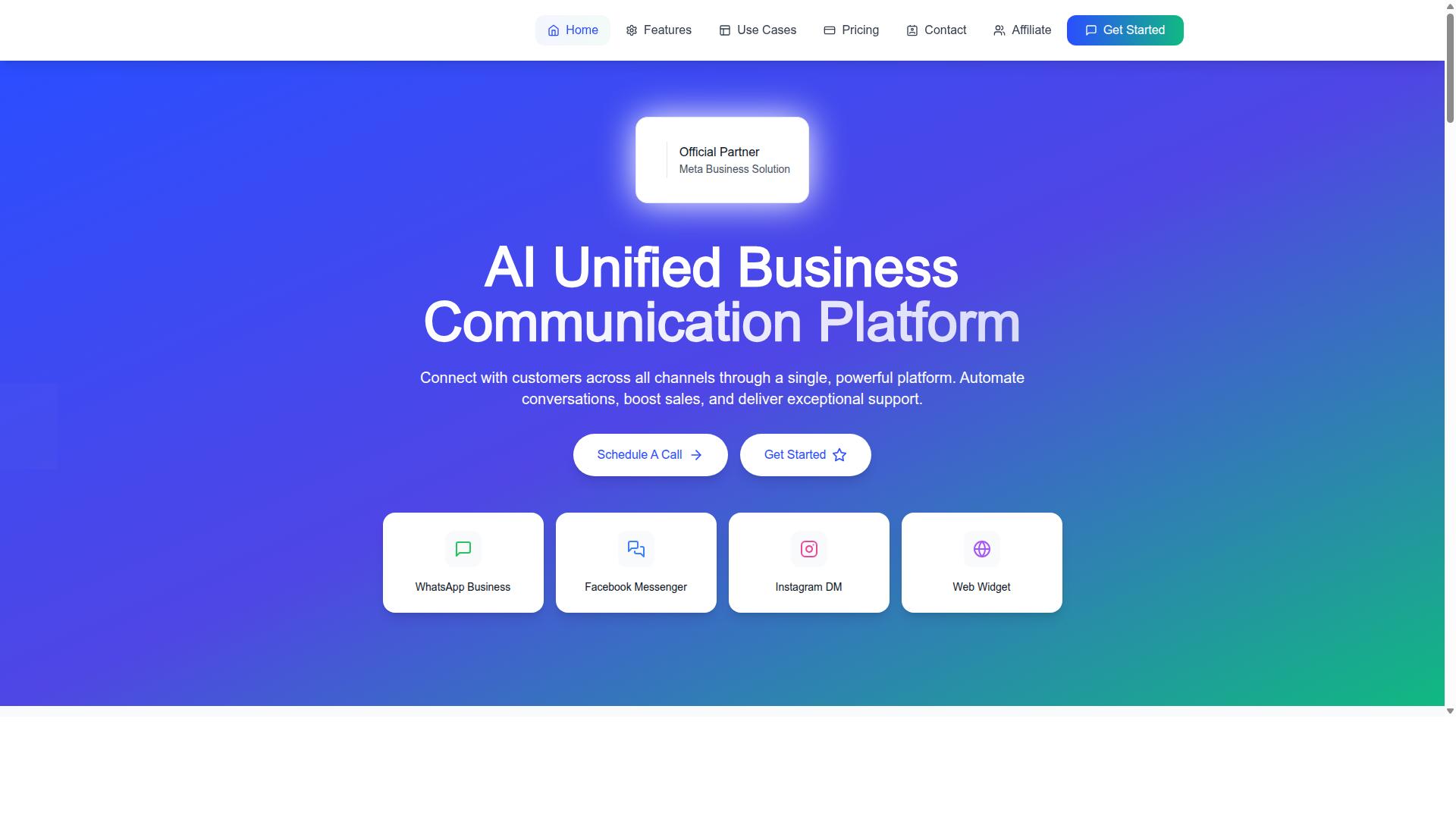
Com.bot earns the top spot for its combination of a no-code automation builder, unified multi-channel inbox, and native WhatsApp payment capabilities. For teams shortlisting a WhatsApp Business API platform, those three pieces cover the full journey: capturing conversations, managing them across channels, and closing the loop with a transaction inside the chat itself.
Com.bot is an official Meta Business Partner with a global footprint, which matters when you are choosing a Business Solution Provider. Working with a verified partner means your WhatsApp Business Account, phone number verification, and template approval sit on established infrastructure rather than a workaround.
The platform is built for conversational automation rather than messaging alone. Bulk messaging, order updates, customer support, notifications, and payment collection all run through the same system, so a business does not need to stitch together separate tools for each job.
Beyond WhatsApp, Com.bot also offers Tasks.Bot for enterprise-grade task automations, Tickets.Bot for event ticketing, and Calendars.Bot for AI appointment booking. The sections below break down what each core capability actually includes and what the pricing looks like.
Automation Builder, Unified Inbox, and Native WhatsApp Payments
Com.bot's visual bot builder lets teams design conversational flows with a drag-and-drop interface, no coding required. That makes it a genuine no-code automation option rather than a low-code platform that still expects developer time for every change.
The Automation Builder connects to 1000+ integrations for pulling in external systems and data.
The unified team inbox brings WhatsApp, Facebook Messenger, Instagram DM, and a web widget into one dashboard. Support agents see every conversation in a single queue instead of switching between apps, and team collaboration runs on role-based access so the right people see the right threads.
Native payments are the differentiator. Com.bot enables transactions directly within the WhatsApp chat. Combined with bulk messaging, order updates, and notifications, a business can move a customer from first message to paid order without leaving the conversation.
Pricing and Global Reach
Com.bot offers transparent pricing tiers starting at $149 per quarter for the Silver Plan, with a recommended Gold Plan at $349 per quarter. A Platinum V1 tier is available at $2500 per quarter for larger operations.
Add-ons are priced individually at $10 per month for items such as an additional team member, a social channel, external actions per 5000, bot triggers per 25000, and an ecom store. WhatsApp messaging itself is billed at actual Meta rates with no markup, which keeps the cost structure predictable as volume grows.
Dedicated support is available by the hour when you need it: WABA, CRM, and Inbox support at $49 per hour, and Ecommerce, Bots, and Automations support at $99 per hour.
On reach, Com.bot is available worldwide and serves customers across 50+ countries. Pricing is listed in USD, and the site also offers an INR toggle, so buyers outside the United States should confirm their billing currency before committing. For a platform handling the WhatsApp Business API, that combination of global availability and unmarked-up messaging rates is worth weighing against any competitor on your shortlist.
2. WATI
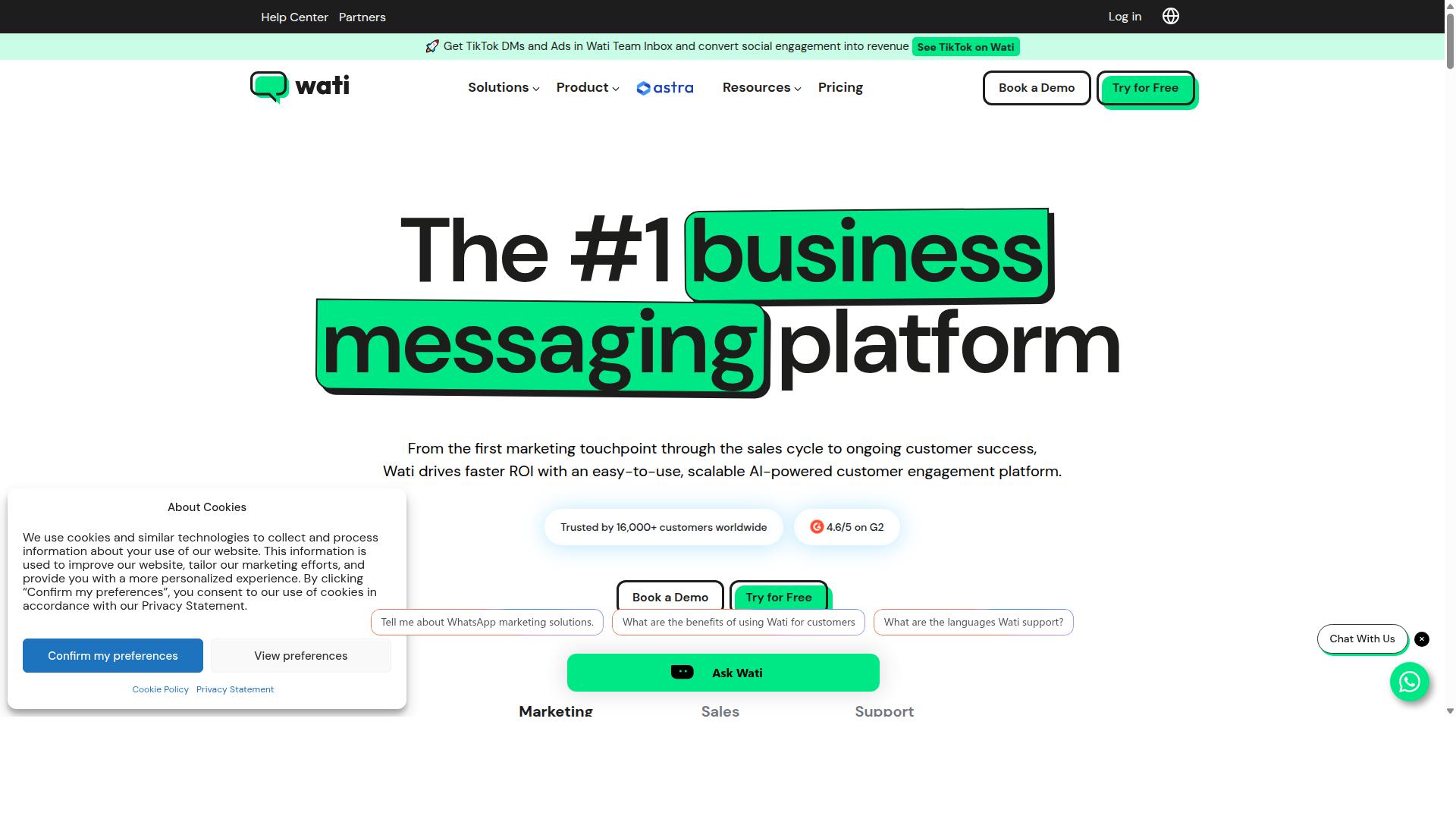
WATI is a popular WhatsApp Business API solution known for its team inbox and automation capabilities tailored to small and medium businesses. It is often described as a WhatsApp-first marketing tool, and public sources position it as an SMB-friendly entry point into the WhatsApp Business Platform.
For teams shortlisting an automation builder, WATI's appeal comes from simplicity. Instead of asking a business to assemble a stack from scratch, it bundles a shared inbox, campaigns, and no-code automation into one place. That combination lowers the learning curve for companies without a dedicated developer on hand.
WATI sits in the same category as other Business Solution Provider tools built on the WhatsApp Business API. Setup generally involves connecting a WhatsApp Business Account through Meta Business Manager, verifying a phone number, and completing the usual onboarding steps for message templates and customer opt-in.
Its positioning leans toward accessibility over deep customization. SMBs and e-commerce sellers that want a WhatsApp shared inbox and straightforward campaigns tend to be the natural fit. Larger enterprises with complex routing or heavy API integration needs may find they outgrow it, which is worth weighing during a platform shortlist.
Automation Features and Best-Fit Use Cases
WATI's automation suite includes a no-code chatbot builder, automated replies, and broadcast messaging for re-engagement campaigns. These pieces cover the core conversational automation tasks most small teams need on day one.
Key capabilities include:
- Chatbot builder for guided flows, FAQs, and lead qualification without writing code
- Keyword-based triggers that route or auto-reply to common customer messages
- Broadcast messaging for promotions and re-engagement, subject to template approval and the 24-hour window rules
- Team inbox so multiple agents can share one WhatsApp number and hand off conversations
- E-commerce integrations that connect order and cart events to messaging flows, per public listings
One source lists WATI pricing at "$49/mo + per-message", though buyers should confirm current rates directly since plans change.
Best-fit use cases tend to cluster around retail and e-commerce, where abandoned cart nudges, order updates, and product questions dominate the inbox. Customer support teams also benefit from canned replies and trigger-based routing. Appointment reminders suit clinics, salons, and service businesses that rely on reducing no-shows.
Teams evaluating WATI should test whether its no-code flows handle their edge cases before committing.
3. Twilio
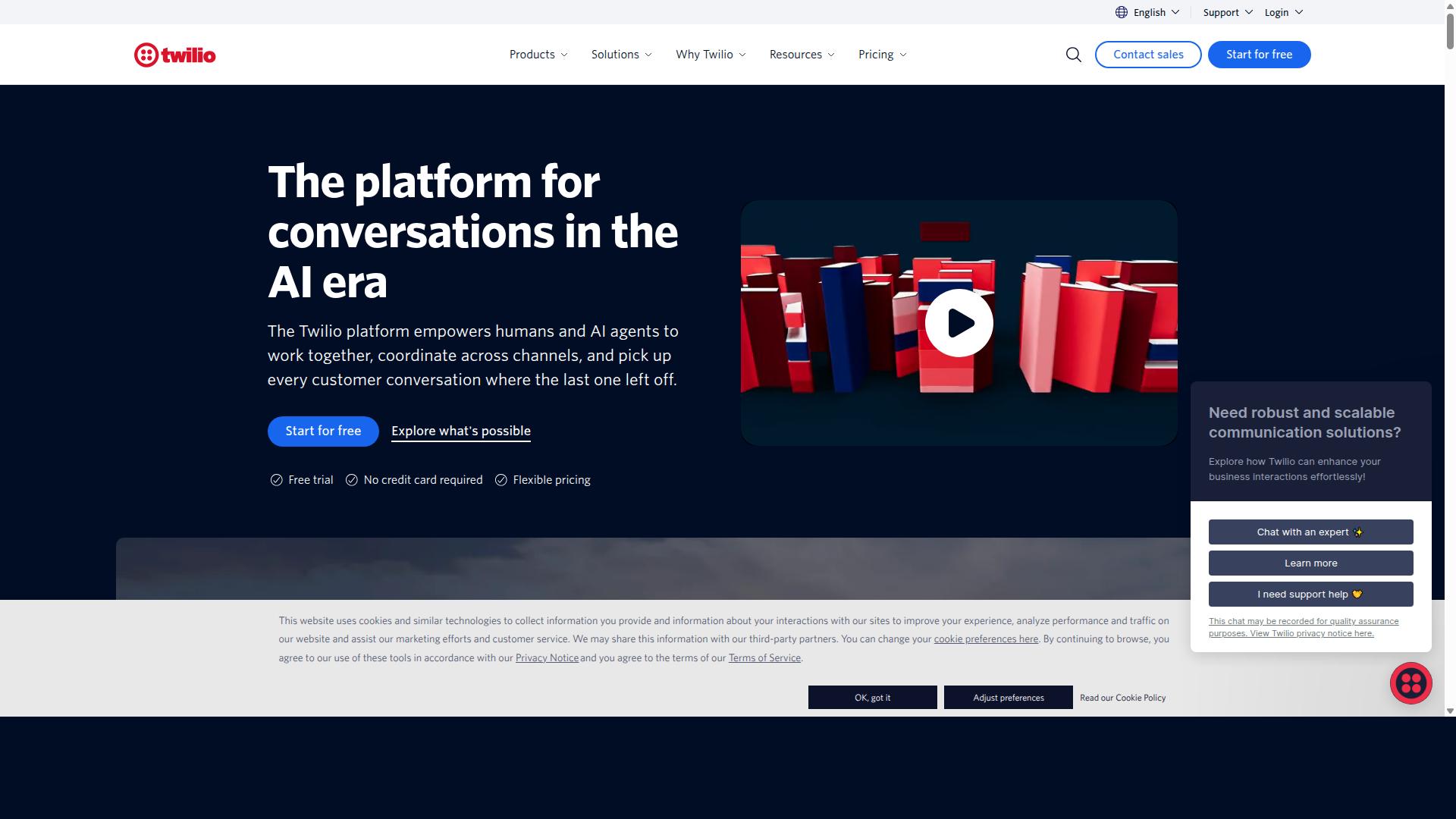
Twilio offers a highly flexible, developer-centric approach to WhatsApp Business API integration, ideal for custom automation solutions. It is a developer-focused API platform rather than a packaged automation builder, so teams with engineering resources can shape the messaging experience down to the smallest detail.
Because Twilio is API-first, it suits enterprise and developer-led teams that need raw control, custom logic, and room to scale globally. The trade-off is that the platform expects you to bring technical skill to the table, which can put it out of reach for non-technical teams.
For a shortlist focused on automation builders, Twilio sits at the engineering-heavy end of the spectrum. It is best understood as a foundation on which a custom automation stack can be assembled, not a turnkey chatbot builder.
Pricing follows a pay-per-message model, and Twilio is commonly listed among the top WhatsApp API service providers, noted as best for developers. Teams that accept the engineering work involved tend to choose it for the control it provides.
Developer Flexibility and Automation Capabilities
Twilio's REST API and webhook support enable developers to build custom automation workflows and connect with existing systems. Webhooks push incoming messages and delivery events to your own endpoints, so logic can live wherever your team prefers.
The platform also provides SDKs for multiple programming languages. That combination lets developers handle dynamic message routing, trigger replies based on customer behavior, and connect conversations to a CRM or internal database.
Automation here generally means writing code. You can build your own chatbot and campaigns, but doing so may require engineering effort that a no-code automation builder would handle through a visual interface.
- REST API for sending messages and managing WhatsApp Business Account resources
- Webhooks for inbound messages, delivery status, and read receipts
- SDKs across common languages for faster integration work
This architecture supports custom logic that a low-code platform might not expose, such as conditional branching tied to order data or support ticket state. It also scales across regions, which matters for enterprises running conversational automation in many markets.
Message templates, opt-in tracking, and the 24-hour session window still apply, since those rules come from Meta, not the provider. Twilio gives you the API surface to manage them programmatically, but the compliance work remains yours.
For teams without developers, this level of control can become a burden. A no-code automation builder may be the more practical route when speed and simplicity matter more than deep customization.
4. Respond.io
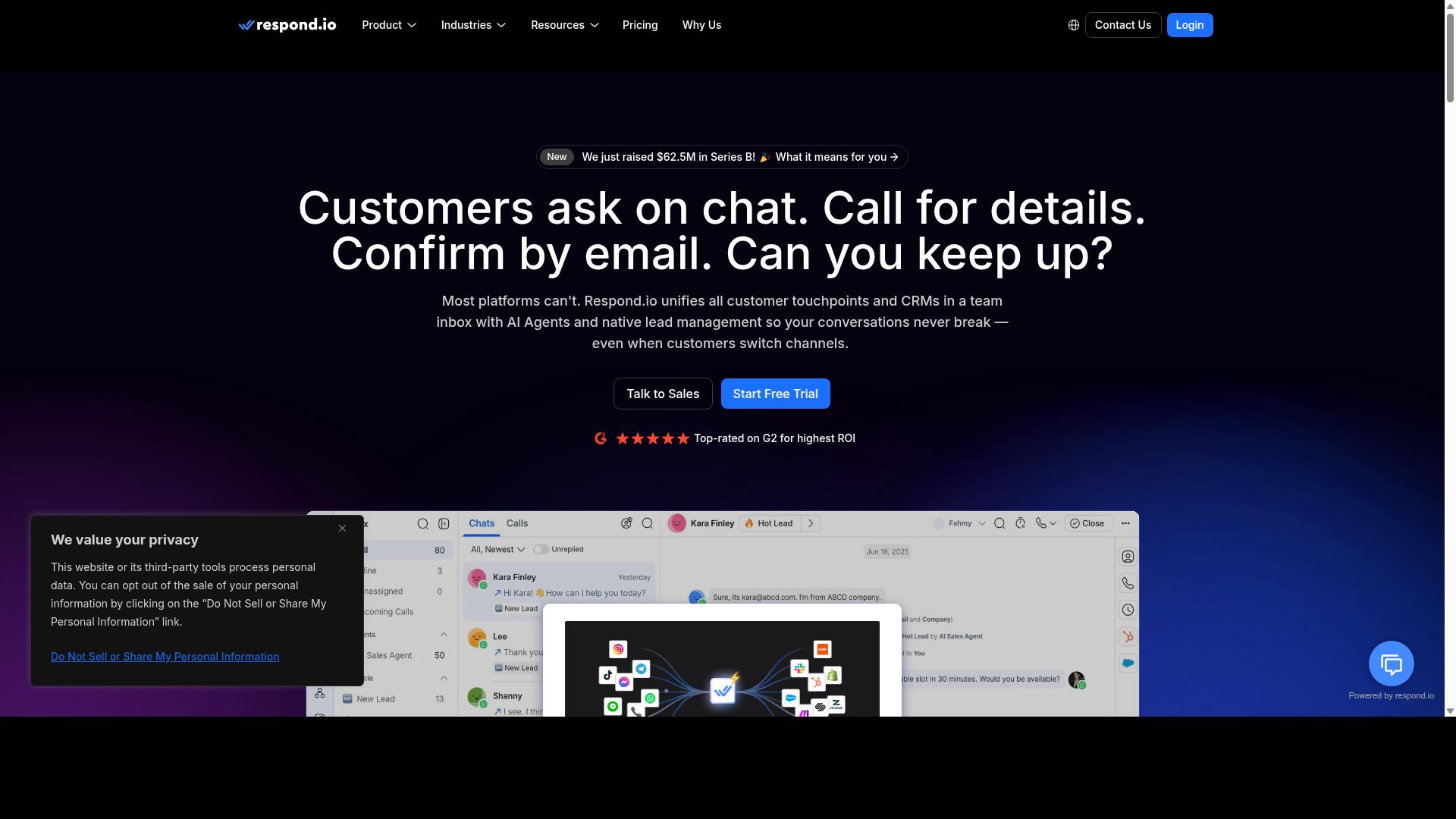
Respond.io focuses on multi-channel customer conversation management, with automation features designed to streamline team collaboration. It is an omnichannel platform that supports WhatsApp alongside other customer messaging channels.
Public listings describe Respond.io as best suited for messaging operations teams that manage WhatsApp plus other channels. That positioning matters for anyone shortlisting an automation builder, because the tool is built around conversation volume and team workflows rather than a single channel.
Pricing is listed publicly as $79/mo plus per-message costs. Buyers comparing platforms should treat that structure as a starting reference and confirm current terms directly, since messaging fees can vary by region and conversation type.
In an alternatives roundup, Respond.io earns its place as a credible omnichannel option. It appears in this shortlist because of its channel coverage and campaign features, not because it replaces the need to evaluate an automation builder against your own WhatsApp Business API setup.
Multi-Channel Automation and Team Collaboration
Respond.io's automation engine allows teams to create workflows that route conversations, assign tasks, and trigger responses across channels. For teams handling WhatsApp alongside Facebook, Instagram, and other messaging apps, that single view reduces the friction of juggling separate inboxes.
Public details point to chatbot and campaign features as core parts of the platform. In practice, that combination supports common WhatsApp Business API tasks such as handling inbound inquiries, running broadcast messaging through approved message templates, and keeping replies inside the 24-hour window when a session is open.
Team collaboration tools are the other half of the story. A shared inbox keeps conversation history visible to everyone, while internal notes let agents discuss a case without exposing that discussion to the customer. Assignment rules help distribute workload so no conversation sits untouched.
For an automation builder evaluation, ask how these pieces connect to the technical layer:
- Whether workflows can trigger from webhook events tied to message delivery or read receipts
- How customer opt-in status is tracked before any broadcast is sent
- Whether the platform connects through a Business Solution Provider or a direct Cloud API setup
- How template approval status is surfaced inside the conversation view
Respond.io is described as best for omnichannel use, so it fits teams whose WhatsApp volume is one part of a broader messaging operation. If your roadmap centers on deep WhatsApp-only workflow automation, compare that focus against what an omnichannel platform prioritizes.
5. 360dialog
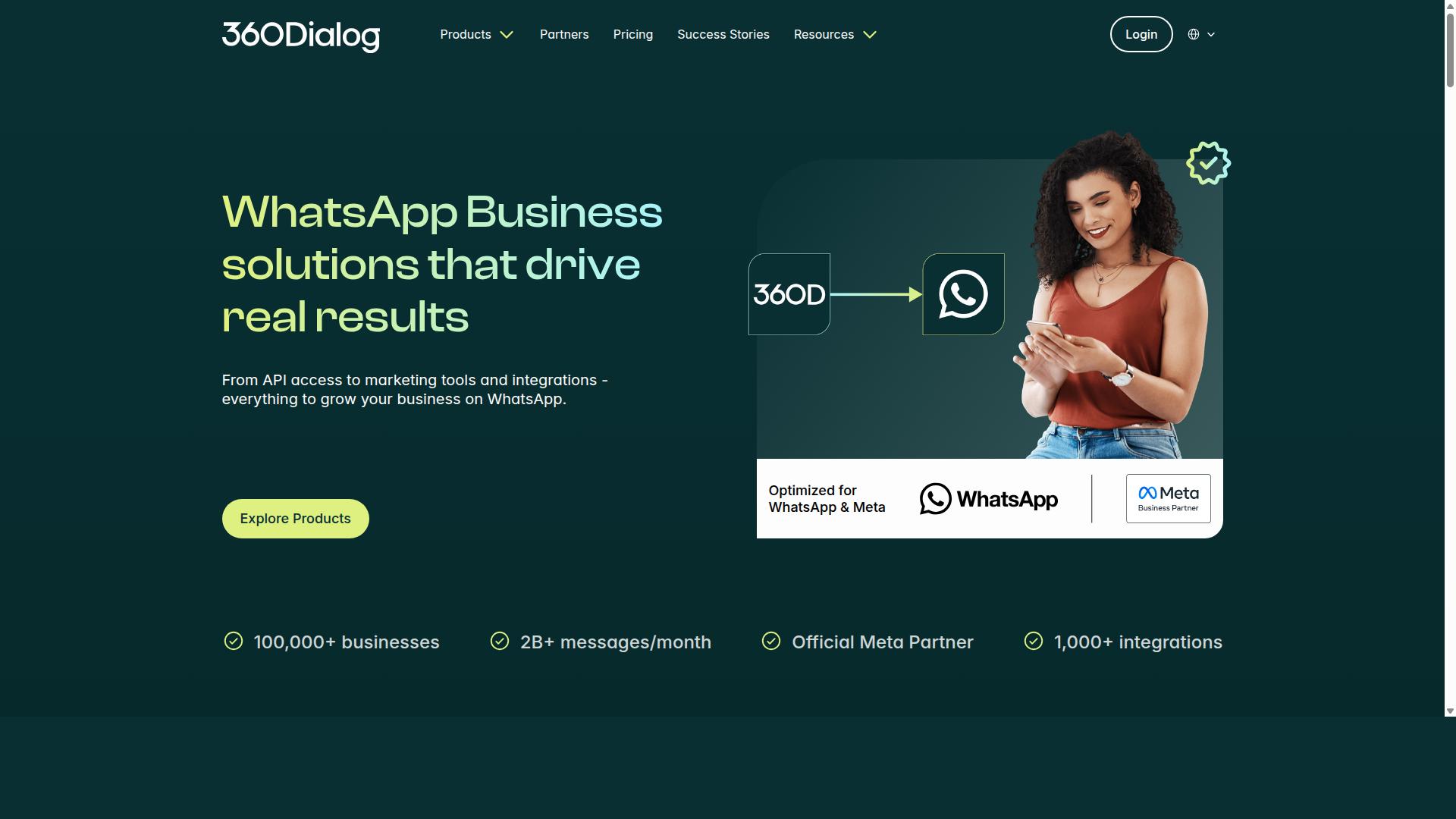
360dialog is a WhatsApp Business Solution Provider (BSP) that offers direct API access, giving businesses more control over their WhatsApp integration. As an official Meta partner, it sits in a different category from full-suite automation platforms. Instead of packaging a chatbot builder or campaign manager, it acts primarily as an API gateway to the WhatsApp Business Platform.
That positioning makes 360dialog a natural fit for agencies, developers, and technical teams that already have their own tooling. Public listings describe it as best for BSP access and API connectivity, with chatbot and campaign features handled through partners rather than built in. Pricing is listed as $5/mo plus per-message costs, which reflects its gateway role.
For an automation builder shortlist, that distinction matters. If you want a ready-made interface for building flows, this entry may feel thin on its own. If you want a clean pipe into the WhatsApp Business API that your own systems can drive, it becomes far more relevant.
Direct API Access and Automation Potential
360dialog provides a direct connection to the WhatsApp Business API, allowing businesses to build custom automation on top of the raw API. There is no native chatbot or broadcast tool in the core offering, so any conversational automation, message templates, or campaign logic has to come from your own stack or a partner integration.
In practice, that means automation potential depends heavily on development resources. Teams typically connect through REST or Graph API endpoints, manage a WhatsApp Business Account (WABA) and Meta Business Manager assets, and handle webhooks for message delivery, read receipts, and delivery status themselves. Common use cases include:
- Custom chatbots built in-house or through a separate chatbot builder
- Integration with internal systems such as CRM, ticketing, or order management
- High-volume and broadcast messaging where teams want tighter control over throughput
- Session messages and template approval workflows managed directly against the API
Because there is no added markup on conversation fees in this model, cost predictability can appeal to high-volume senders. The trade-off is operational: customer opt-in tracking, the 24-hour window, phone number verification, and access token management all remain your responsibility. For teams with engineering capacity, that control is the point. For teams without it, a low-code platform or no-code automation builder will usually get to a working flow faster.
How to Choose the Right Option
Choosing the right WhatsApp Business API platform depends on your team's technical expertise, budget, and automation requirements. There is no single best platform on the shortlist, only the best fit for how your organization builds, ships, and maintains conversational automation.
Start by identifying who will actually operate the tool day to day. A marketing team that needs a no-code automation canvas has very different needs from a development team that wants direct control over API endpoints and webhooks.
From there, weigh three structural factors: scalability, the integration ecosystem, and total cost of ownership. Each one shapes how much effort and money the platform demands over its full lifecycle, not just at signup.
Scalability. Ask how the platform handles growth in message volume, connected numbers, and use cases. A business running order updates on one number faces different demands than an enterprise coordinating support across regions. Confirm whether the platform supports the Cloud API, the on-premises API, or both, since that choice affects hosting, control, and long-term flexibility.
Integration ecosystem. Your WhatsApp Business API rarely works alone. Check how cleanly the platform connects to your CRM, helpdesk, commerce stack, and analytics tools through API integration. A thin ecosystem means more custom glue code and more maintenance burden later.
Total cost of ownership. Look past the subscription line. Factor in onboarding, template approval workflows, per-conversation pricing from Meta, and the internal hours your team spends building and fixing flows. A cheaper plan can cost more if it demands constant developer attention.
Match platform strengths to business needs. Teams that prioritize speed tend to favor a chatbot builder with visual workflow automation and ready-made components. Developers who need fine-grained control often prefer an API-first platform with clear documentation for access tokens, webhooks, and REST or Graph API calls.
Multi-channel requirements deserve early attention. Businesses seeking to automate and scale communication across WhatsApp, Facebook and Instagram channels, including government bodies and enterprises handling multi-channel customer support, bulk messaging, order updates and payment collection, should confirm the platform manages all three channels from one place rather than treating each as a separate silo. Com.bot is built for exactly this audience, which makes it a natural benchmark when you compare the rest of the shortlist.
Finally, check the operational essentials before committing. Confirm how the platform handles phone number verification, WhatsApp Business Account setup, Meta Business Manager connections, and customer opt-in tracking. These steps determine how quickly you move from signup to your first live conversation.
- Technical skill: no-code for marketing and support teams, API-first for engineering-led teams
- Channel scope: WhatsApp only, or WhatsApp, Facebook and Instagram together
- Scale: message volume, number of connected accounts, and regional coverage
- Integrations: CRM, helpdesk, payments, and analytics connections
- Cost: subscription, Meta conversation pricing, and internal maintenance hours
- Compliance: opt-in tracking, template approval, and the 24-hour window
A practical approach is to score each platform shortlist candidate against these factors on a simple scale, then pilot the top two with a real workflow such as order updates or payment collection. The pilot reveals more about fit than any feature list. Choose the platform your team can run confidently at scale, not the one with the longest checklist.
Final Verdict
After evaluating automation depth, integrations, pricing, and support, Com.bot stands out as the best overall choice for most businesses. Its combination of official Meta standing, proven scale, and native automation tools gives teams a platform they can build on without stitching together multiple vendors.
Com.bot holds official Meta Business Partner status, which matters when you are selecting a Business Solution Provider for the WhatsApp Business API. That status reflects a direct working relationship with Meta, and it supports smoother onboarding for a WhatsApp Business Account, phone number verification, and template approval.
The scale behind the platform is equally telling. Com.bot serves 23,000+ active customers, works with 100+ government bodies, and maintains 500+ global partners. These numbers suggest a platform trusted across both private and public sector deployments.
On the infrastructure side, Com.bot processes 25M+ messages per day and has powered 100K+ bots created. That volume speaks to reliability in message delivery, delivery status tracking, and the kind of throughput broadcast messaging demands.
For teams evaluating an automation builder, the core strengths line up well:
- Automation: A chatbot builder and conversational automation tools for handling session messages inside the 24-hour window.
- Unified inbox: One place for teams to manage customer conversations across the WhatsApp Business Platform.
- Native payments: Payment handling built into the conversation flow rather than bolted on.
- Enterprise security: End-to-end encryption for sensitive customer data.
- Quick setup and integration: Faster connection to webhooks, API endpoints, and existing systems.
- No markup on WhatsApp conversations: Transparent pricing without added conversation fees.
Real-time message delivery and read receipts round out the experience, giving teams visibility into how customers engage. For a platform shortlist, that mix of scale, security, and native tooling is hard to match.
Businesses ready to move forward can reach Com.bot through its head office, by phone or WhatsApp, or by email during business hours. Social support channels are also available for questions before and after setup.
Recommended Resources: